Coins and values
Finding a coin in the catalogue
How to search and filter the catalogue, and what every coin page tells you about a coin.
Published 22 September 2026
Browsing and searching
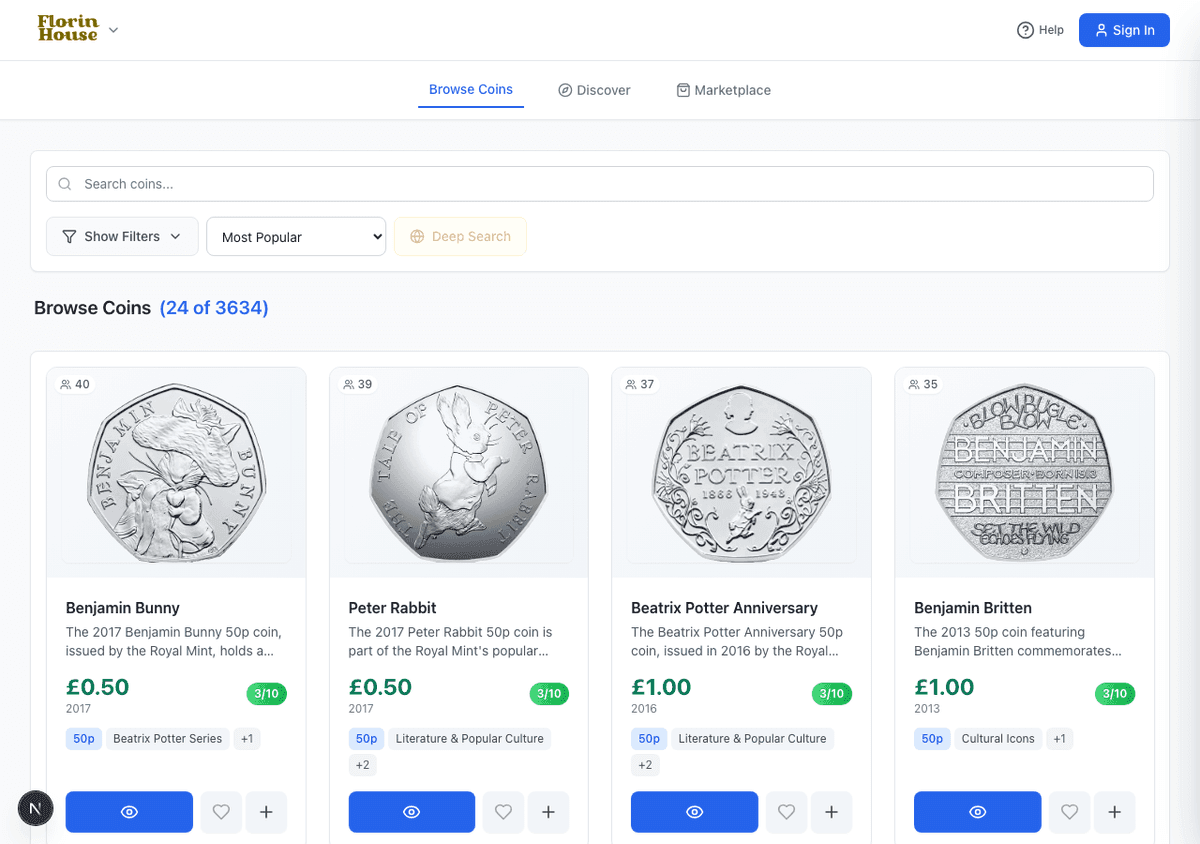
The Browse Coins page lists the whole catalogue. Type into the search box to narrow it by name, or use Show Filters to narrow by denomination, year, country or condition.
If a coin does not turn up, try Deep Search. Ordinary search matches coins already in the catalogue; deep search looks wider, which is useful for foreign coins and older issues.

Narrowing with filters
Show Filters opens a panel under the search box: country, mint, denomination, condition and a price range. They stack with whatever you have typed.
Reading the results
Every coin in the results carries the same four things, so you can judge one at a glance before opening it.
What a coin page tells you
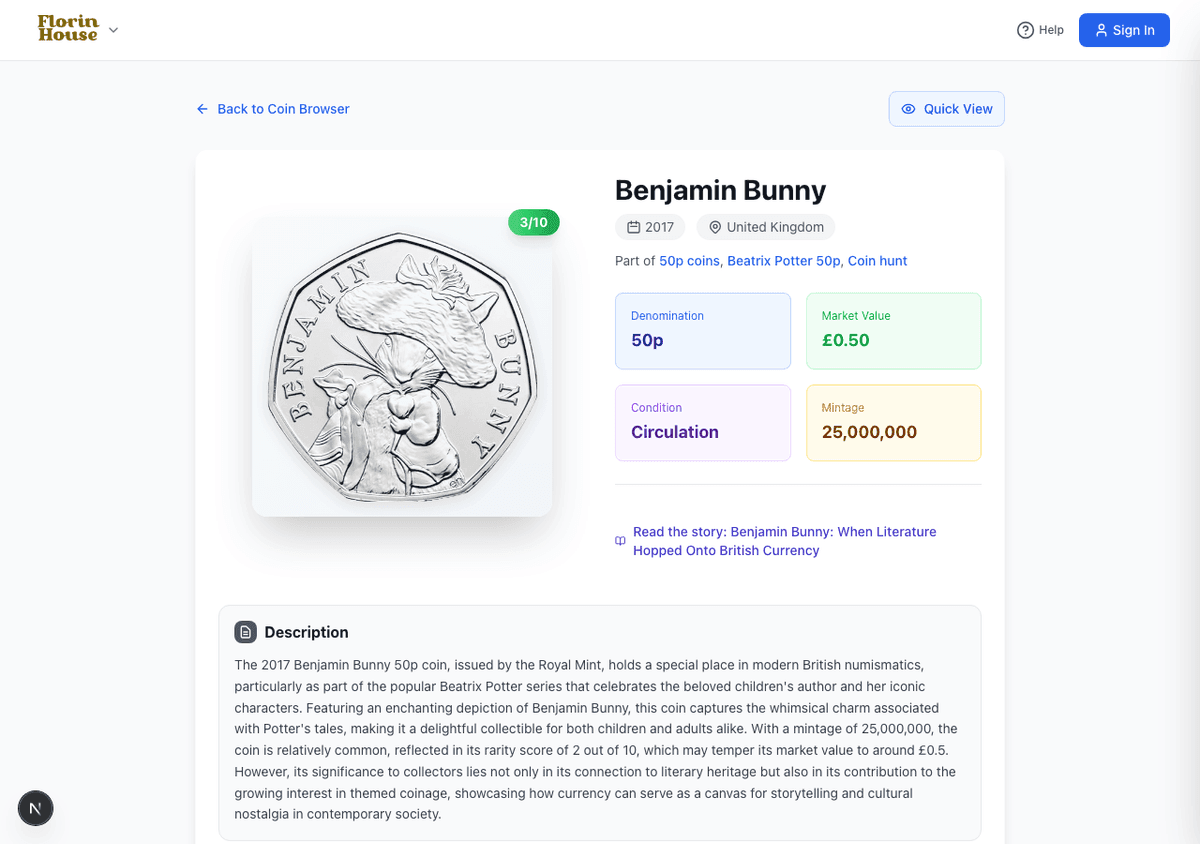
Open any coin to see everything recorded about it.
- Mintage — how many were struck. The single best guide to how hard a coin is to find, and most of what drives its rarity score.
- Market value — what collectors currently pay, not face value.
- Condition — whether the page describes the circulating coin or a Brilliant Uncirculated (BU) or proof version. These are listed separately because they are worth different amounts, which matters when you record one in your collection or price one for sale.
- Rarity — a score out of 10, explained in full under rarity scores.
- Communities — the collecting sets this coin belongs to, linked under the title.
Searching everything at once
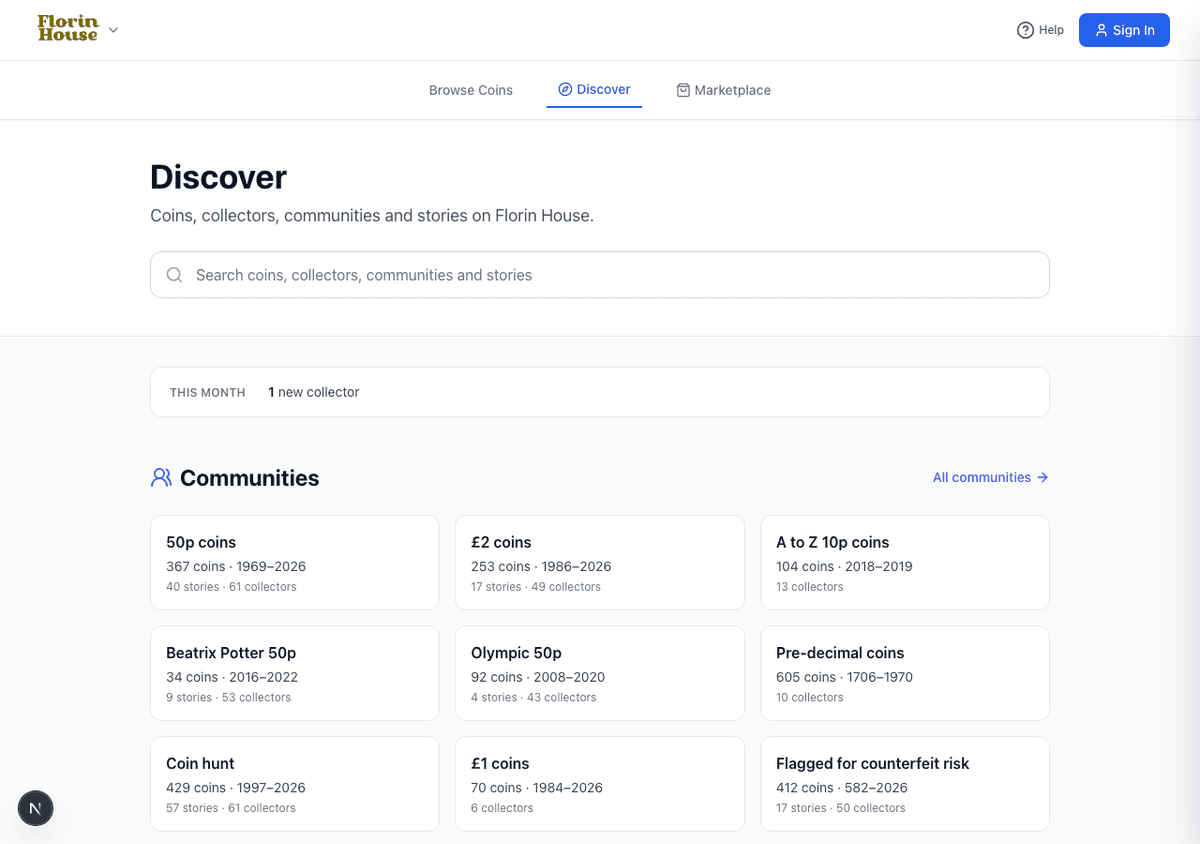
Discover searches across the whole site in one box — coins, collectors, communities and the stories written about coins. It is the fastest way in when you are not sure what you are looking for.
If you are hunting a specific coin to buy, add it to your want list instead of checking back: you will be told when one is listed.